Less screen.
More life.
Tap your phone on the tag and the apps that distract you most lock instantly.
Tranca gives you back control of your time.
Tap Tranca. Leave it in another room. Done — no app can call you back.
Buy now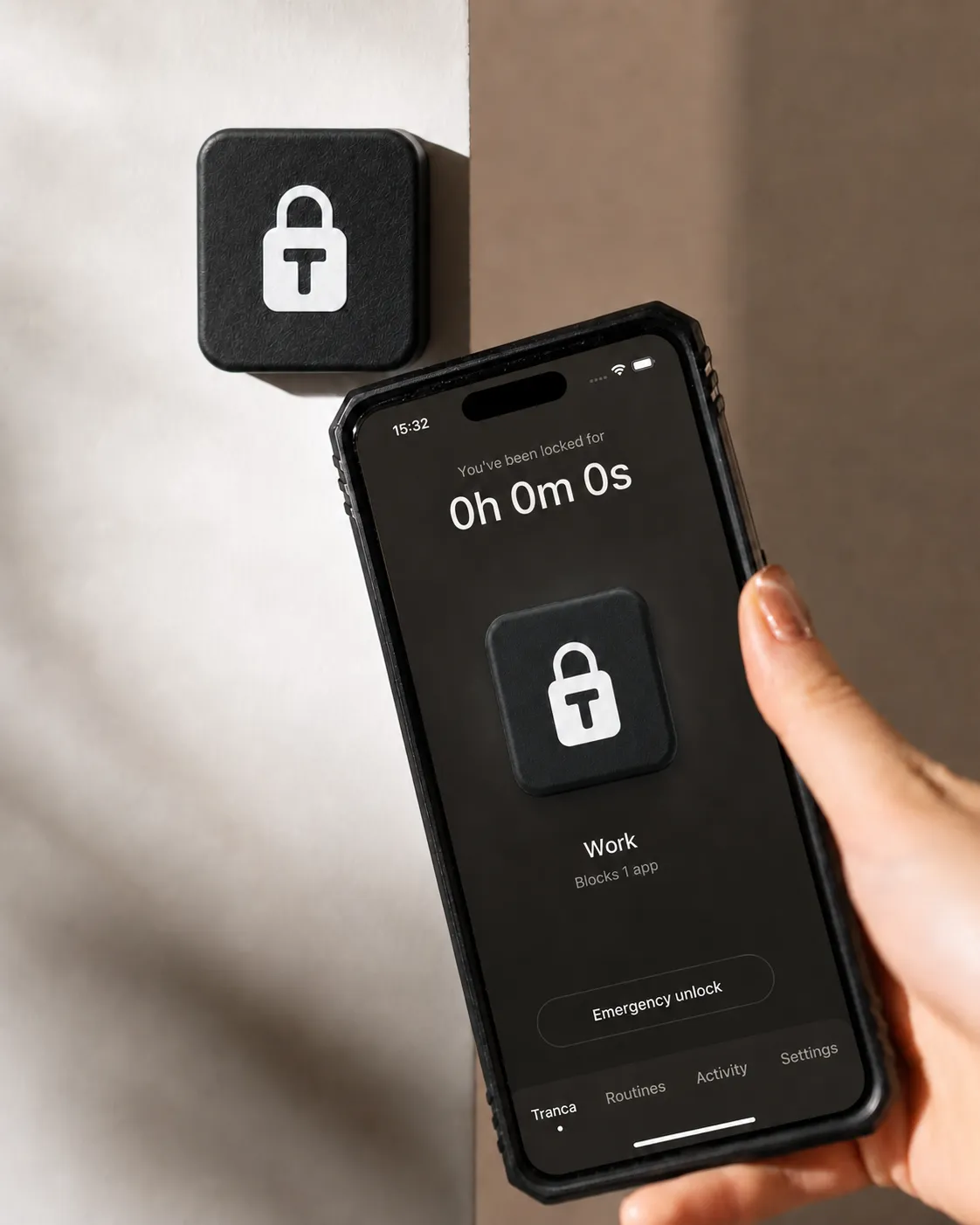
How it works
You decide what to lock. Tap your phone on Tranca and keep the tag away from you.
 1
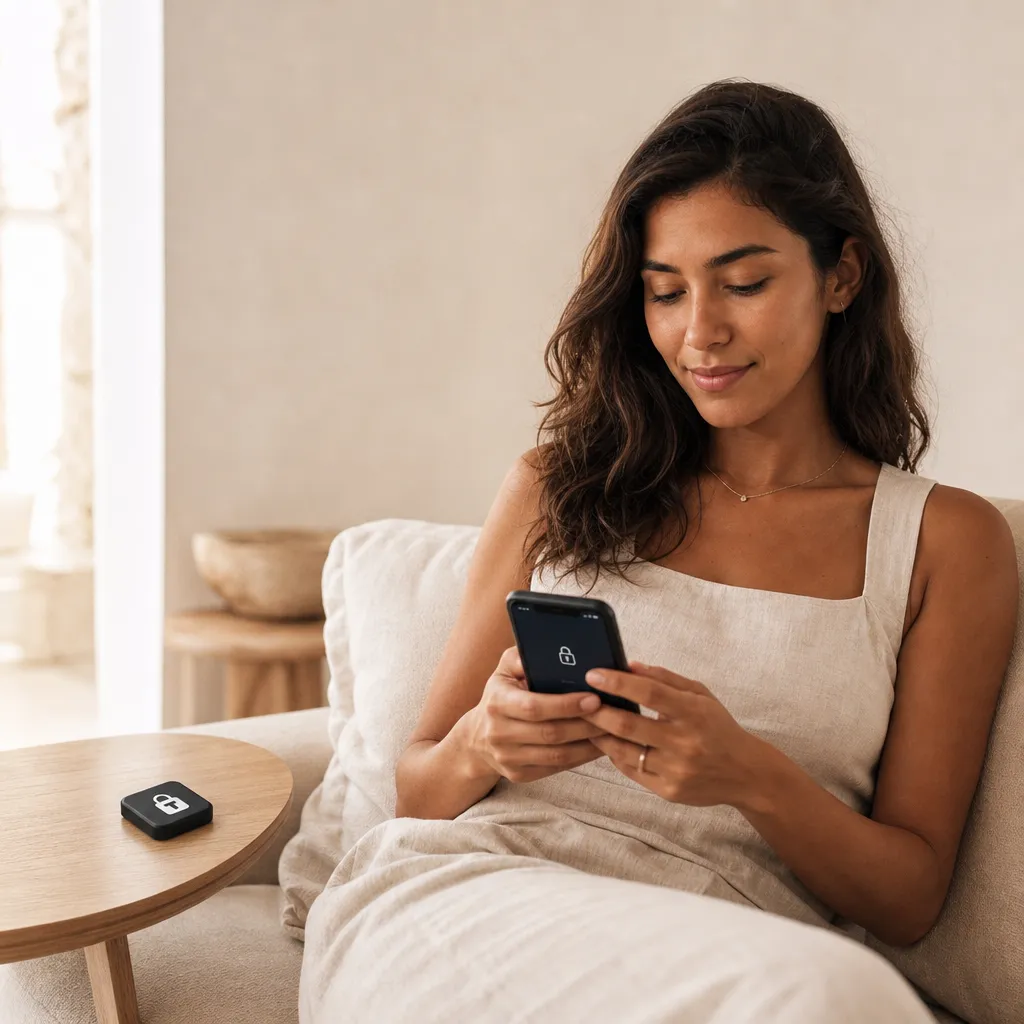
1Choose what to lock
In the app, pick the apps that pull you in the most. The essentials — maps, calls, banking, 2FA — always stay open.
 2
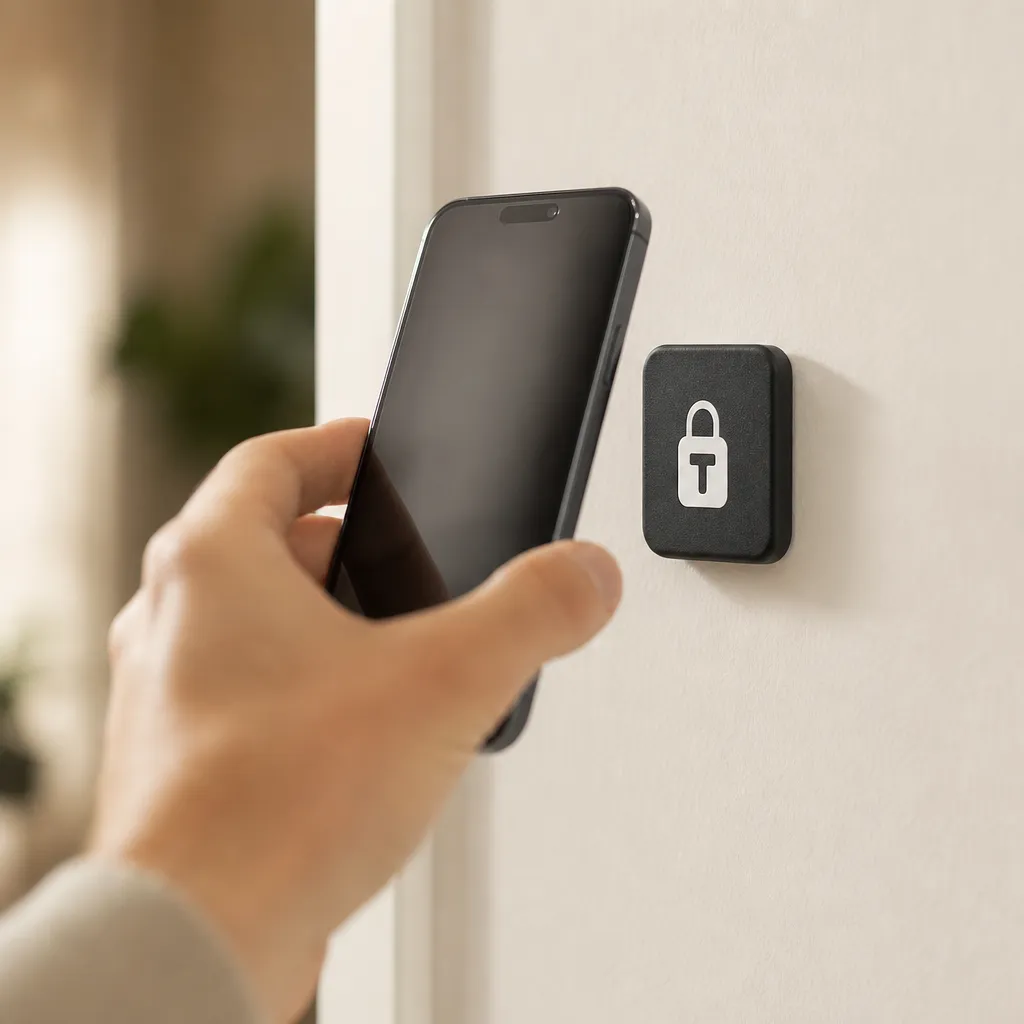
2Tap to lock
Tap your phone on the tag once. The apps you chose disappear instantly.
 3
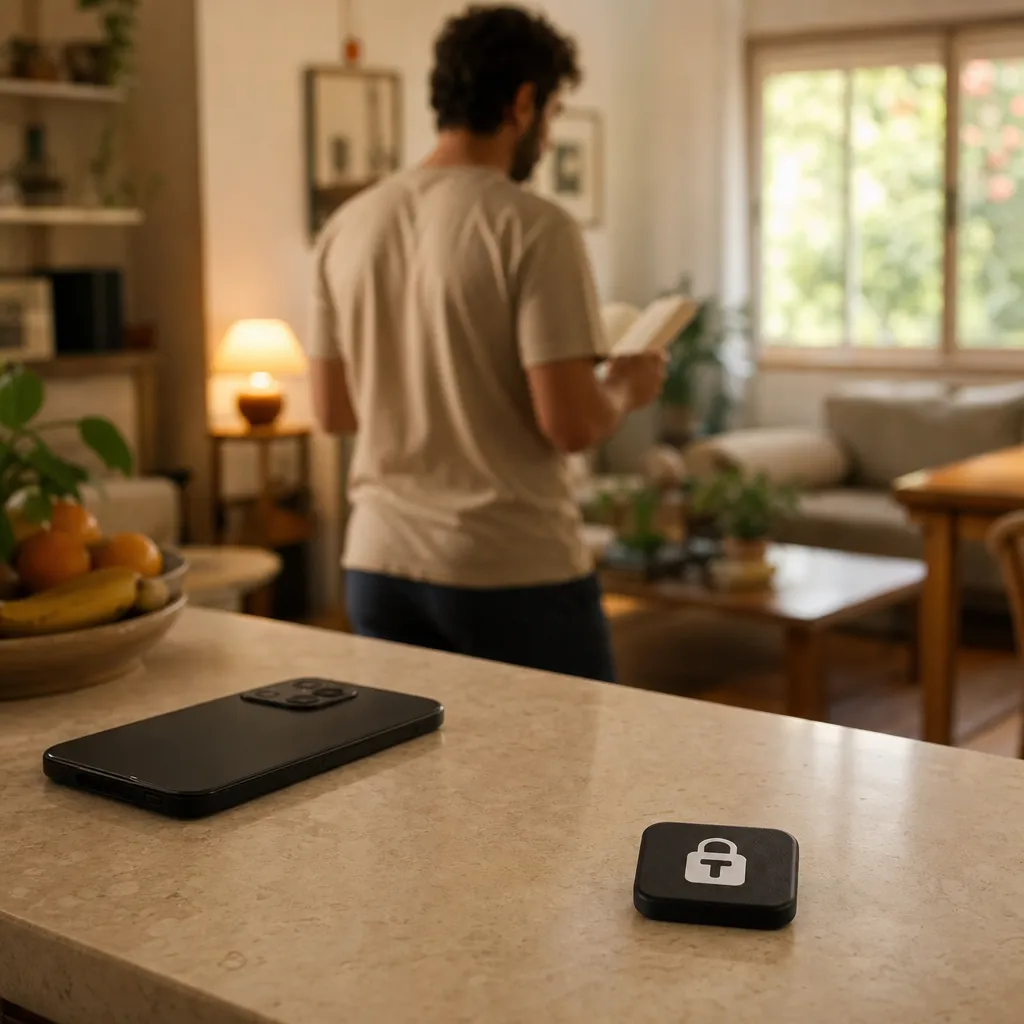
3Keep it away from you
Leave the tag in another room, in your bag or in the car. To unlock, just tap again.
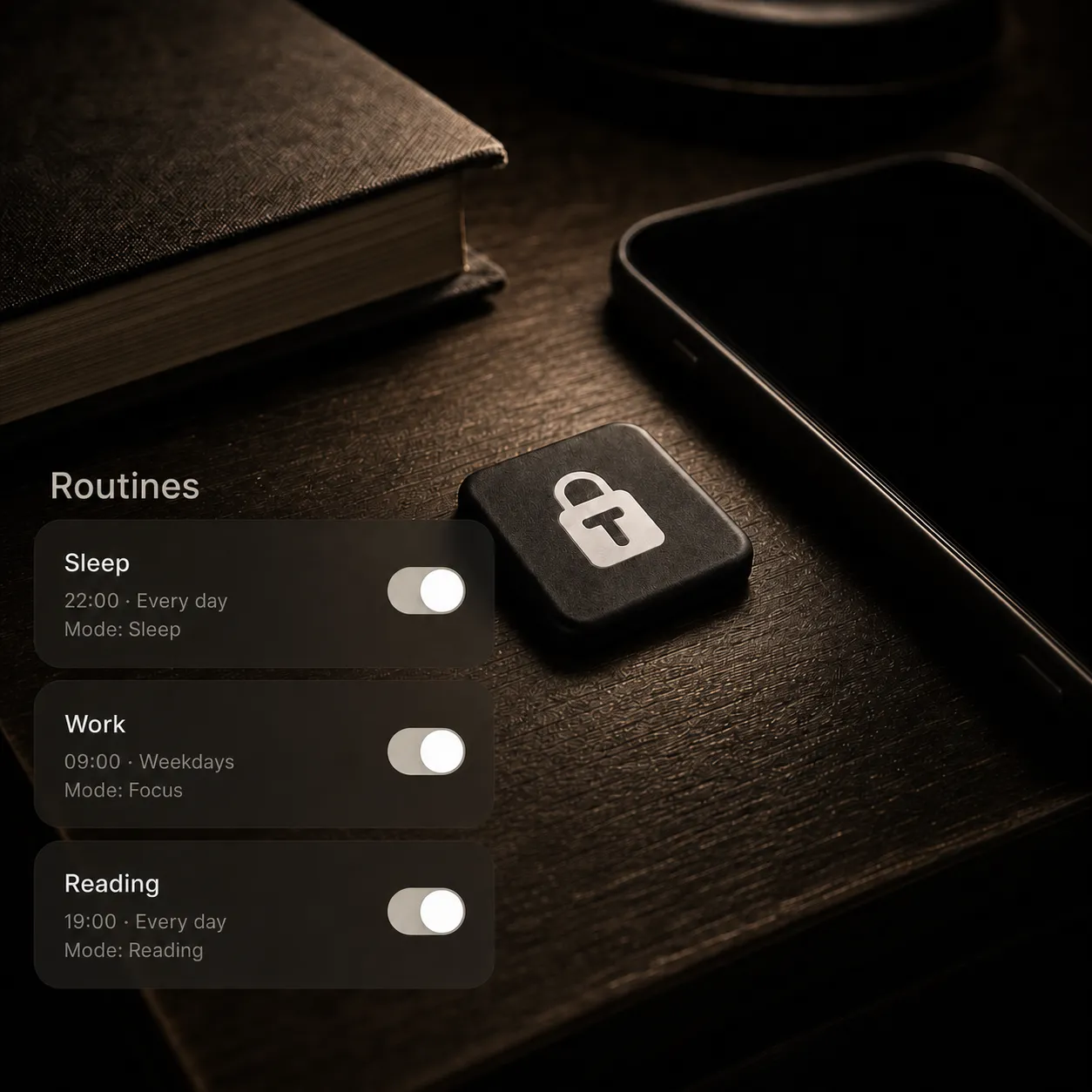
Build Routines
One tag, many routines. You name them, pick the apps and switch profiles with a tap.
 8 apps locked
Work
Social and messaging step aside while the work that actually pays off gets done.
 6 apps locked
Family
At dinner and on the weekend, the phone goes back to being just a phone.
 5 apps locked
Workout
Out of the feed, into the movement. The playlist stays, the rest can wait.
 7 apps locked
Focus
Uninterrupted space to write, read and create your way.
 9 apps locked
Study
Full attention on the exam, the course and the reading that matters.
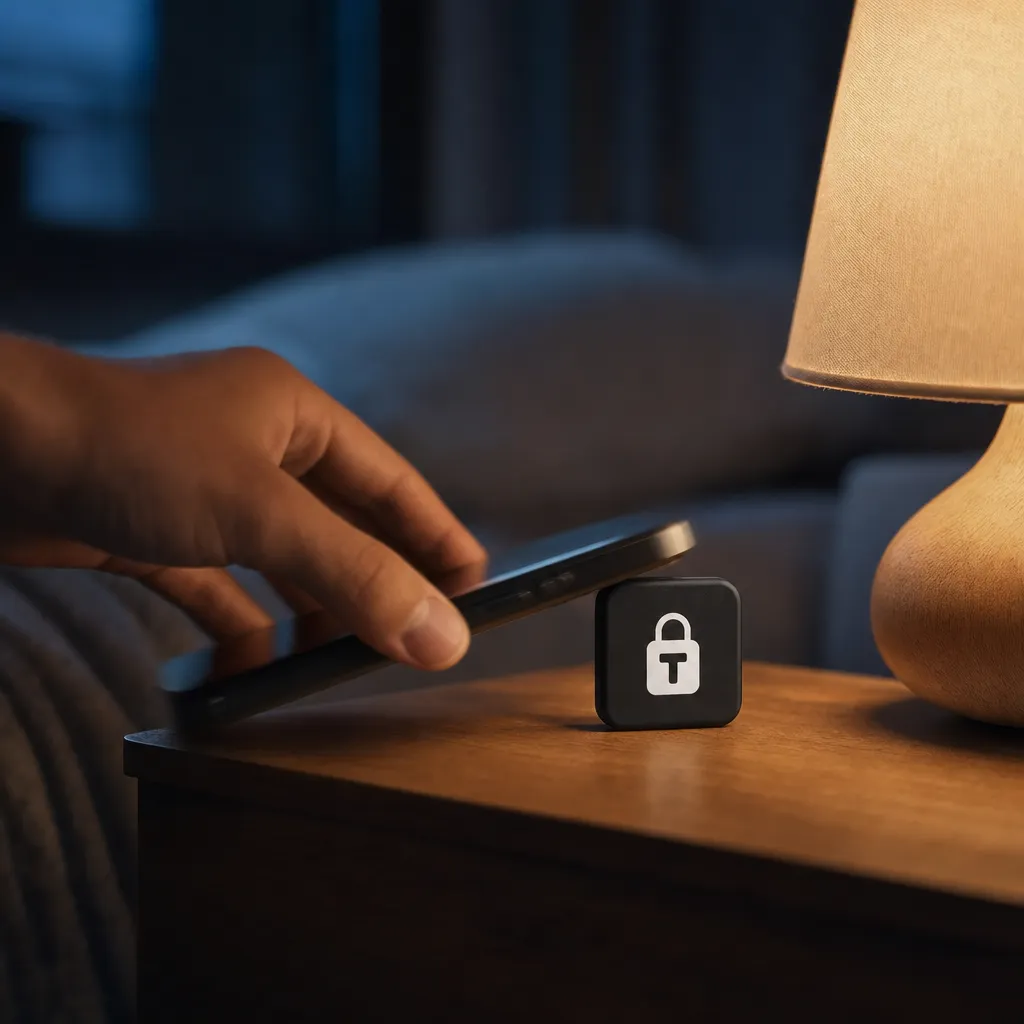 everything but the alarm
Sleep
Leave the tag away from the bed and turn off the light without the last scroll of the night.
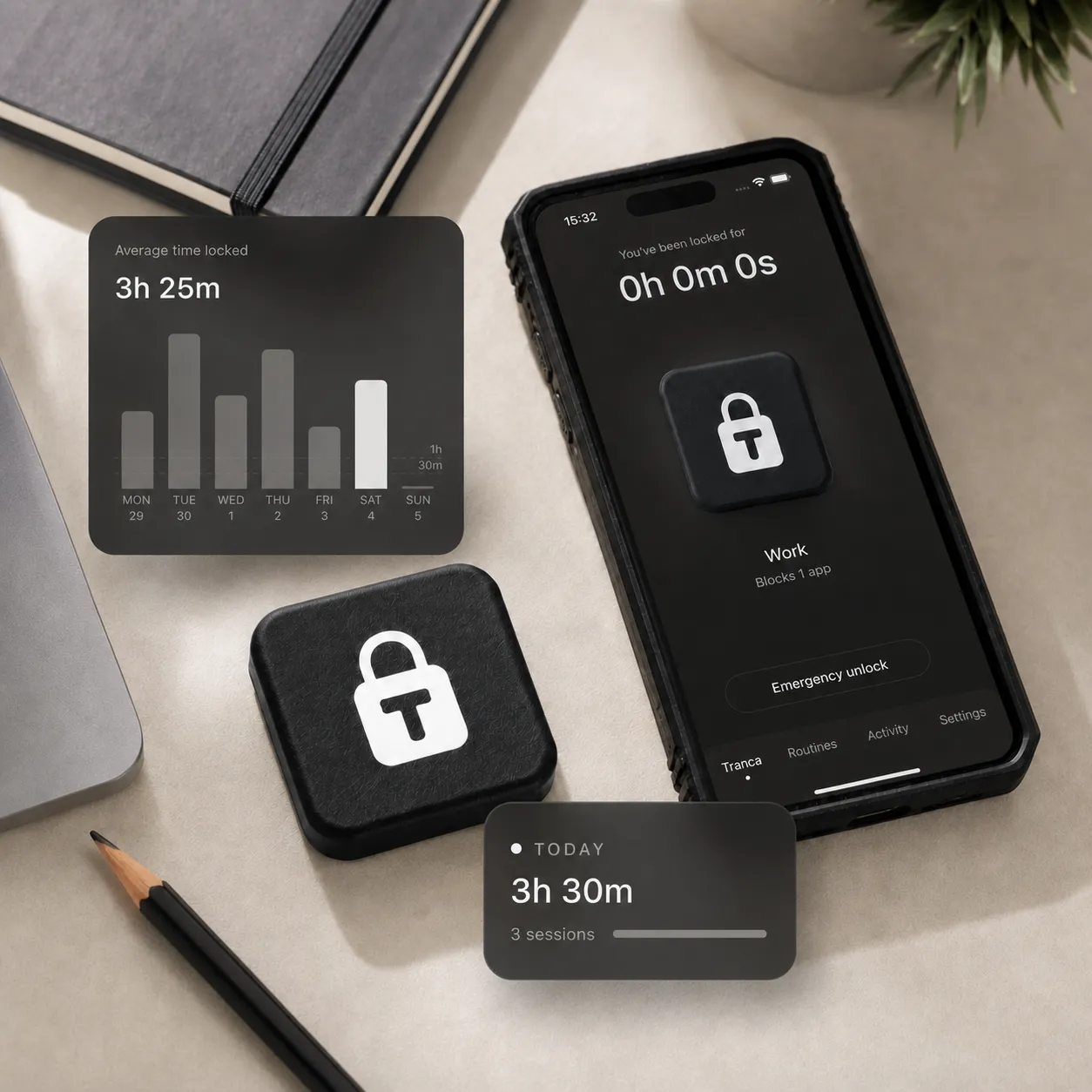
See the time you got back.
Track usage reports and charts, day by day.
The Tranca app is free on the App Store.

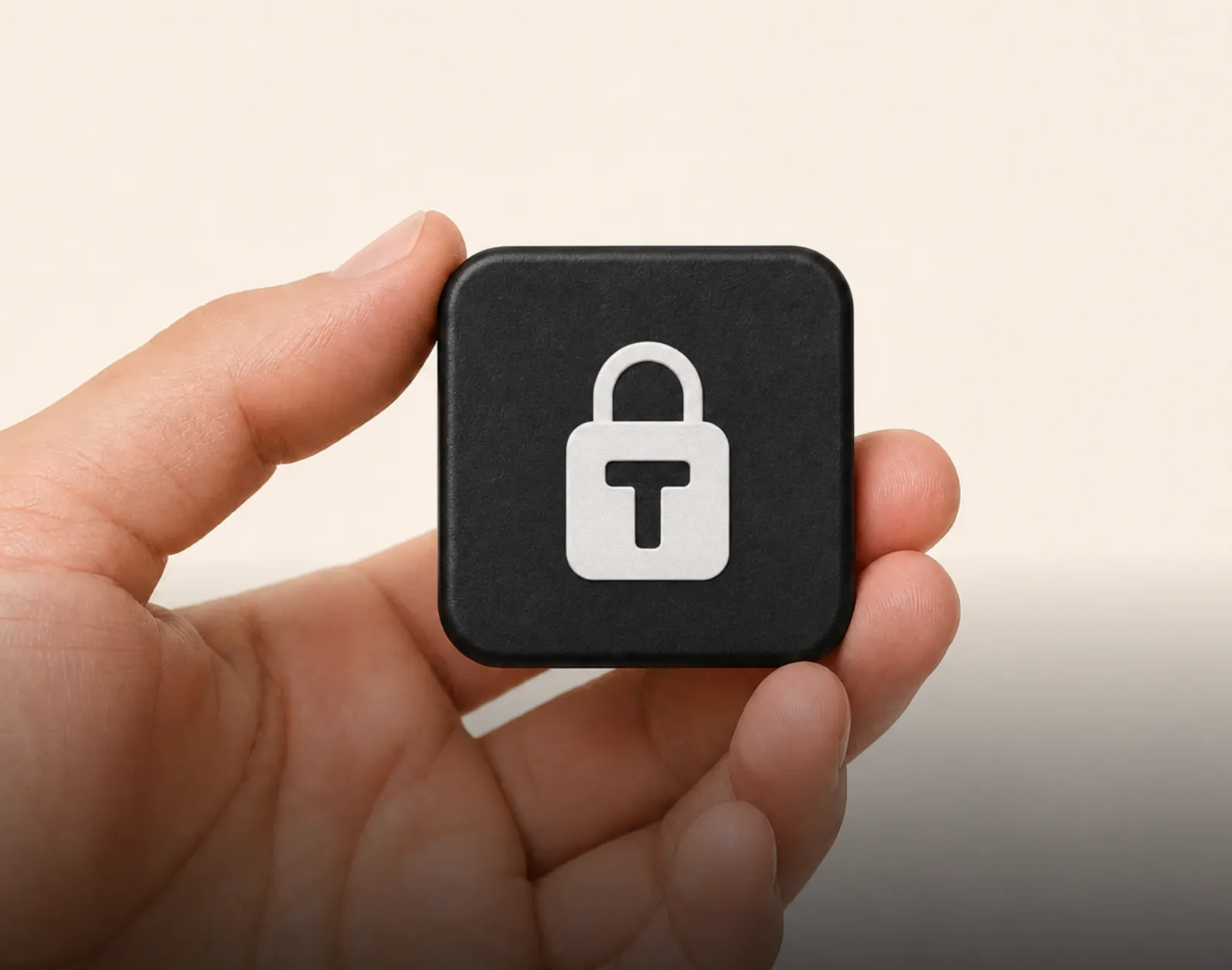
Get your Tranca
Everything included
iPhone app in your language. Locking and unlocking never needs a subscription.
Built for daily life
Durable, magnetic and non-slip. It stays put wherever you leave it.
Tranca in detail
No battery and no recharging needed.
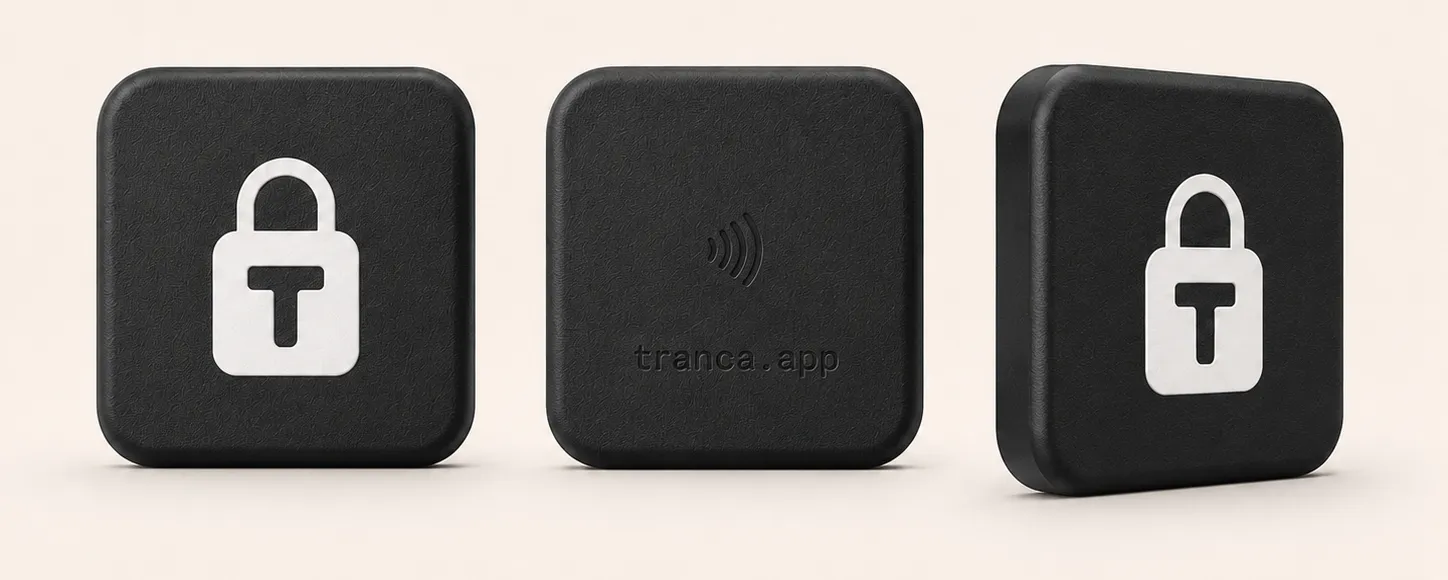
- Passive NFCtap and go, no pairing
- No batterylasts as long as the tag does
- ≈ 40 mmmagnetic, non-slip base
The kind of change Tranca is after.
that’s all the effort we ask of you: tap, locked
the screen-time goal we want to give back to you
no “ignore for today” when the tag is on the other side of the house
“−2h/day” is a project goal, not measured data. We publish real usage numbers as they come in.
Get your time back.
Tranca is available now, with EU shipping charged separately and 30-day returns.
Buy now
Frequently asked
How is Tranca different from Screen Time or Digital Wellbeing?
Built-in limits end with one tap on “Ignore limit”. Tranca removes that button. Unlocking takes the tag, and the tag is in another room. The distance does the work.
Do I need a subscription?
No. The tag is a one-time purchase and the core app is free. An optional Premium plan adds more profiles and features.
Which phones does Tranca work with?
iPhone, with iOS 16 or later. The blocking uses Apple’s Screen Time framework. An Android version is in development.
What if I need maps or my bank?
They stay open. You choose exactly which apps lock, and essentials like maps, calls, banking and 2FA are always at hand.
Can’t I just delete the app to get around it?
You can, and that is exactly where the design works: getting around Tranca always takes more effort than waiting the urge out. There is no “ignore limit” button, and reinstalling and setting everything up again takes far longer than the few seconds an impulse lasts.
Can I use one Tranca with more than one phone?
Yes. One tag serves up to two phones on the free plan, and more with Premium. One phone can also use several tags: one at home, one at the office, one in the car.
What if I lose the tag?
You can register more than one tag and keep a spare. If one goes missing, we replace it. Nobody stays locked out over a lost tag.
Does the tag need a battery or charging?
No. The tag is passive NFC and your phone powers it during the tap. Nothing to charge, nothing to replace. It works indefinitely.
How fast is shipping, and can I return it?
Orders ship across the EU with shipping charged separately and typically arrive in 2–4 business days. If Tranca is not for you, return it within 30 days for a full refund.
The urge to check the feed lasts a few seconds. Just long enough for it to pass.
the whole idea of Tranca in one line